How to Read SCUM Patch Notes
When Gamepires drops a SCUM patch, most players skim the headline and spawn anyway. That is how you roll into a PvP zone with the wrong ammo while sentries still patrol the bunkers. Here is a simple way to read patch notes before your next raid.
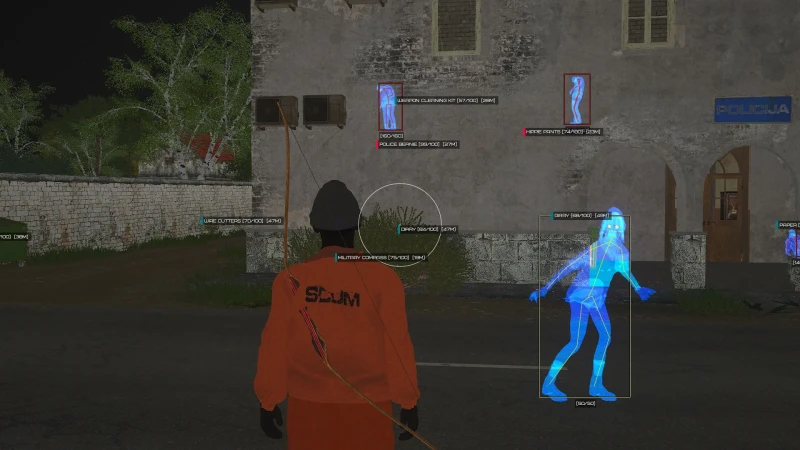
What matters in a SCUM patch
Official notes live on SCUM and SCUM official site. Treat those pages as the source of truth — Discord rumors come second. Ask three questions for every bullet: Does this change PvP fights? Does this change loot in bunkers or towns? Does this change vehicles like the Laika or Rager?
Weapon recoil, metabolism tweaks, zombie spawns, and sentry behavior move the real meta. A small no-recoil fix on an AK looks boring in a video title, but it reshapes mid-range fights near airfields. UI polish almost never decides whether you survive a bunker push.
If you run third-party tools, separate game balance from anti-cheat work. After a BattlEye update, check our status page before you blame your own aim.
Buffs, nerfs, and removed items
When an item leaves loot pools, drop it from your shopping list the same day. Heavy nerfs demote a gun from default kit to situational. Light nerfs are fine if you already shoot clean. Buffs deserve a short test block before you rebuild your whole loadout.
Ammo and armor changes usually matter more than one gun stat. Pair this habit with our weapon tier list so you are not chasing streamer kits that ignore your budget.
How patches reshuffle your raid plan
When rifles feel strong, prioritize optics and ammo that win 40–70 meter peeks in PvP zones. When healing or metabolism gets tighter, play safer near bunkers and avoid ego third-parties. When a POI shifts — new locked rooms, moved zombie spawns, sentry path changes — rewrite your first three minutes on that map.
On big patch mornings, confirm SCUM official site looks healthy before you assume your client is broken. Then note removed items, update your stash list, run five intentional raids, and lock a new main kit.